A TypeScript Class-Based WebSocket Library for React
A TypeScript Class-Based WebSocket Library for React
By Max Troost
7 min read
A practical WebSocket setup for React using TypeScript classes and TanStack Store
- Authors

- Name
- Max Troost
While working for my client, the need for WebSockets came up. The new application would rely heavily on WebSocket connections for fast, live updates, and certain subscriptions would be needed across multiple pages. Ideally, those subscriptions would not have to cycle through unsubscribe and subscribe within a fraction of a second every time the user navigated.
The solution had to do a few things. I wanted a single WebSocket connection per URL, reused for all subscriptions that share that URL. The connection had to stay alive: the browser, AWS, or any other factor could trigger a disconnect and a reconnect after that, and I needed to handle that with an automatic resubscribe. I also needed to be able to disable the connection in different situations—user rights, connection sequence, or user region (client-specific). Subscriptions had to persist between pages without resubscribing, and the whole thing had to be easy to use in React.
So I built a practical WebSocket setup for React using TypeScript classes and TanStack Store. In this post I’ll walk through the design, trade-offs, and how to use it.
Why build it myself?
There aren’t many React-ready WebSocket libraries out there—in fact, there’s really only one: react-use-websocket. But it was missing some key features I wanted:
- Reactivity only when needed – Only data and status values trigger re-renders; the rest of the logic stays outside React’s render cycle.
- Access to received data deep in the tree – Child components can read data without prop drilling or paying a performance cost.
- Safe to use in React context – No need to worry about the usual performance pitfalls of React context; it’s a single class instance, so updates stay predictable.
- Promise-based message sending – Send a message and await the response.
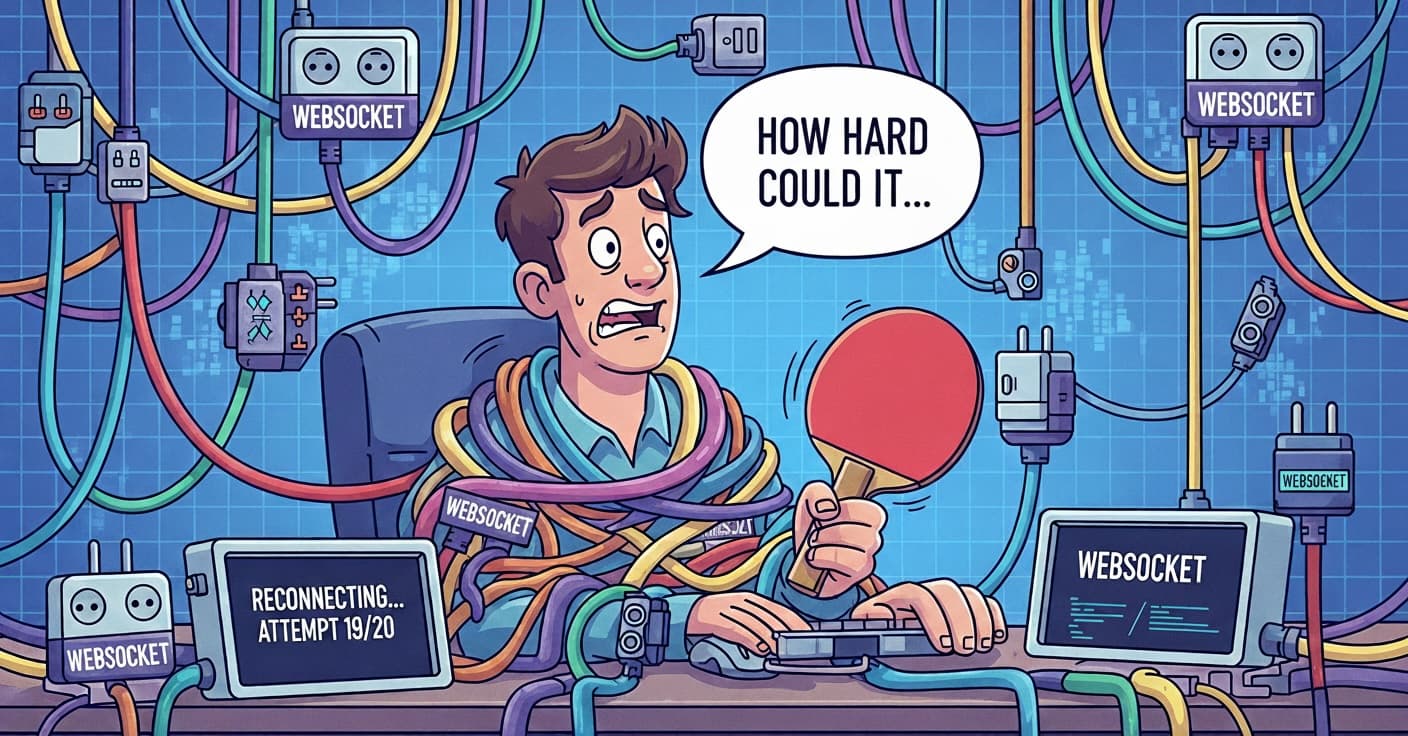
How hard could it be right? Well—pretty tough, as it turns out 😄
Inspiration: TanStack Form's Class-Based APIs
I'm always curious about how library developers create what they create—what choices they made and why. The why is usually something you don't find out. Most of you know TanStack from (React) Query; the other packages are a bit less well known. But to no surprise, all the other packages are very good as well, and they're made for different frameworks and libraries. That got me thinking about how to approach this package. TanStack Form uses class-based APIs (FormApi, FieldApi) instead of plain objects. I've used the same idea here: core logic lives in classes, and React hooks are thin wrappers. (Which gets rid of some of the annoying reactivity that you don’t always want.)
The main classes are:
WebsocketConnection– connection lifecycle, reconnection, heartbeat, routingWebsocketSubscriptionApi– streaming subscriptions for a single URIWebsocketMessageApi– request/response messaging to any URI
In practice, hooks create or retrieve these instances and wire them into React’s lifecycle. The connection is lazy: the WebSocket only opens when the first listener is added. Once open, a heartbeat sends a ping every 40 seconds; if no pong arrives within 10 seconds, the connection is torn down and reconnection is attempted. Browser online/offline events are handled—going offline tears down immediately, and coming back online triggers reconnect.
How the Classes and Hooks Work Together
Here's how it all fits together.
WebsocketConnection is a singleton per URL key. It owns the raw WebSocket, heartbeat, reconnection, and message routing. It doesn't distinguish between subscription and message APIs; it only knows the WebsocketListener interface.
WebsocketSubscriptionApi and WebsocketMessageApi both implement WebsocketListener. When you register one, the connection:
- Injects a send callback into
WebsocketSubscriptionApiorWebsocketMessageApiso they can send messages back to theWebsocketConnection - Starts the WebSocket if it isn't already open
- Stores the listener in a map keyed by
listener.key
Incoming messages are routed by URI:
- Subscription API: matches when the message URI equals
listener.uri. When it matches, the handler runs and updates the store inWebsocketSubscriptionApi. - Message API: matches when the listener has a pending request for that URI (
listener.hasWaitingUri(uri)). When it matches, the message is delivered and the waiting Promise is resolved.
So one connection can serve multiple subscriptions and message APIs; routing is done by URI and pending request state.
Hooks tie this into React. useWebsocketSubscription and useWebsocketMessage both use useState to create or retrieve the API—a singleton per key. Each hook registers with WebsocketSubscriptionApi or WebsocketMessageApi and unregisters on unmount.
The API tracks how many hooks you are using, so when you go from page to page, the subscription stays alive when necessary. When the last hook unmounts, it unregisters from the connection after a short delay. When you change the options, the subscription hook also syncs options via subscriptionApi.options = stableOptions when props change (e.g. body), so you get a resubscription when needed.
Passing Class Instances in React
Why use classes? A few reasons:
Referential stability – You create instances once and reuse them:
const [subscription] = useState(() => createWebsocketSubscriptionApi(key, options))
The same instance is passed around, so you don't need useCallback or useMemo for the API object.
Encapsulation – State and behavior live together. WebsocketSubscriptionApi owns its store, subscribe/unsubscribe logic, and message handling. The connection only knows the WebsocketListener interface.
Singleton per key – Same key → same instance. Multiple components share one subscription or message API without extra coordination.
Parent/child sharing – The parent creates the subscription; children access it by key:
// Parent
useWebsocketSubscription({ key: 'data-list', url: '/api', uri: '/api/data' })

// Child
const subscriptionInstance = useWebsocketSubscriptionByKey<Data[]>('data-list')
const data = useStore(subscriptionInstance, (s) => s.message)
Reactivity
Here's the tricky part: classes themselves are not reactive. React won’t re-render when you call subscriptionInstance.subscribe() or when the WebSocket receives data.
Reactivity comes from TanStack Store inside the class, which uses useSyncExternalStore underneath it all:
// Inside WebsocketSubscriptionApi
private _state: Store<WebsocketSubscriptionStore<TData>> = new Store(...);

public onMessage = (data: TData): void => {
  this._state.setState((prev) => ({ ...prev, message: data, pendingSubscription: false }));
};
What I liked about TanStack Form here is that all the values you need live in a Store. You subscribe to it from your components and shape the data however fits your use case:
const data = useStore(dataSubscription.store, (s) => s.message)
Only components that read the selected slice re-render when it changes.
Caveats
- Non-idiomatic – React leans toward functional patterns; classes are less common.
- Debugging – Class instances are less obvious in React DevTools than plain state.
- Options updates – Options are deep-compared; new object literals each render can cause unnecessary effect runs. The library uses
useDeepCompareMemoizeto avoid that. - Mental model – You need to remember: “Reactivity comes from the store, not from the class.”
TanStack Store in This Setup
TanStack Store will handle all the reactivity you need for React. Here's what you gain and what to keep in mind:
- Fine-grained subscriptions –
useStore(subscriptionInstance.store, (s) => s.message)re-renders only whenmessagechanges. - Selector-based – You choose exactly what to subscribe to.
- Simple API –
setStatewith an updater function, similar to React’suseState. Nice and familiar. - Store lives in the class – The API instance owns its store and exposes it via
subscriptionInstance.store.
When to Use Which Hook
Quick reference:
| Hook | Use case |
|---|---|
useWebsocketSubscription | Streaming data (lists, notifications, live updates) |
useWebsocketMessage | One-off commands (validate, modify, mark read) |
useWebsocketSubscriptionByKey | Child components that need a parent’s subscription data |
Subscription – Single URI, subscribe once, receive a stream of messages. Good for data lists, status checks, and notifications.
Message – Send to any URI you want, optionally await a response. Good for commands that need a reply, or for fire-and-forget actions.
Here's how it looks in practice:
// Streaming: data list
const subscriptionInstance = useWebsocketSubscription<Data[]>({
  key: 'data-list',
  url: '/api',
  uri: '/api/data',
  mode: 'subscribe-on-open',
  body: { status: 'active' },
})
const data = useStore(subscriptionInstance.store, (s) => s.message)

// One-off: validate before submit
const messageInstance = useWebsocketMessage<ValidationResult, FormValues>({
  key: 'validate',
  url: '/api',
})
const result = await messageInstance.sendMessage('/api/validate', formValues)
Connection Lifecycle: When It Stays Open and When It Closes
In short: the connection stays open as long as at least one listener is registered. When the last listener is removed, a cleanup delay (3 seconds in production) runs before closing the socket—so quick re-renders don’t cause unnecessary disconnects.
Disconnection triggers: URL change (e.g. auth/region) or explicit reconnect() tears down and reconnects. Browser offline tears down immediately and defers reconnect until online. A pong timeout (no pong within 10 seconds) force-closes and triggers reconnection. Close code 1000 (Normal Closure) does not reconnect; other codes (1001, 1006, 1011, 1012, 1013, etc.) do. Code 1013 (Try Again Later) adds an extra 30 second delay before reconnecting.
Reconnection uses exponential backoff: 4 seconds for attempts 0–4, 30 seconds for 5–9, 90 seconds for 10+. After 20 failed attempts, automatic reconnection stops and you must click Retry to reconnect. Notifications only appear after 10 failed attempts to avoid noise during brief outages.
Edge Cases Worth Knowing
I ran into a few gotchas while building this—things that aren't obvious until you hit them:
Cached messages – When the socket isn't open yet, only non-subscribe messages get queued. Subscribe messages (from WebsocketSubscriptionApi) kick off a connect but are not cached; other messages (e.g. from WebsocketMessageApi) are queued and sent when the connection opens. I made that choice deliberately to avoid stale subscription state, but it's something to keep in mind. The Message API is promise-based so you can build on it. Subscriptions expose a pendingSubscription flag in the store—true while a subscription is in flight, false once the data has been received. The important thing: the user of the application never sees or cares how these connections are made—this is all for ease of use and to keep the concerns inside the websocket implementation.
replaceUrl vs reconnect – Both end up calling teardownAndReconnect. There's a guard (_isReconnecting) so that when auth changes and both fire in the same render, you don't get overlapping reconnect cycles. Took me a while to get that right.
Close code 1000 – This is the only one I treat as an intentional shutdown. Anything else (1001, 1006, etc.) triggers an automatic reconnect. If you explicitly close with 1000, it stays closed.
Request overwrite – If you send to the same URI while a request is still pending, the previous one gets cancelled and its Promise rejects with "WebSocket request overwritten for URI". Handy for debouncing, but worth knowing if you're not expecting it.
Multiple initiators – Using the same subscription key in more than one component triggers a warning. It can also lead to confusing behavior if each component sends a different body payload.
Removal delay – When the last hook unmounts, I delay removal by INITIATOR_REMOVAL_DELAY_MS. Otherwise you get rapid subscribe/unsubscribe churn during re-renders, which is annoying and can cause unnecessary reconnects.
Body change – When options.body changes, the subscription re-subscribes automatically. No extra work on your side.
Feature list
Here’s a concise rundown of what I finally ended up with:
Connection (WebsocketConnection)
- One WebSocket connection per URL; all subscriptions and message APIs that share the URL reuse it.
- Lazy connect: the socket opens only when the first listener is added.
- Automatic reconnection with exponential backoff; browser online/offline is handled.
- Heartbeat (ping/pong) to detect dead connections; pong timeout triggers reconnect.
- URI-based routing: incoming messages are dispatched to the right subscription or message API by URI.
- User notifications for reconnecting, delay, and max retries (with manual Retry).
- Optional custom logger; URL can be replaced (e.g. when auth or region changes).
Subscriptions (WebsocketSubscriptionApi + useWebsocketSubscription)
- Streaming data over a single URI with a TanStack Store for reactive updates.
- Subscribe/unsubscribe lifecycle; auto-subscribe when the connection opens.
pendingSubscriptionfor loading state until the first message arrives.- Shared instance per key: multiple components with the same key share one subscription.
- Optional
enabledflag; when disabled, unsubscribes and disconnects after a short delay. - Children can read the same subscription via
useWebsocketSubscriptionByKey(key).
Request/response (WebsocketMessageApi + useWebsocketMessage)
- Send to any URI; no subscription, ideal for one-off commands (validate, mark read, etc.).
sendMessage(uri, body)returns a Promise with optional per-call timeout.sendMessageNoWait(uri, body)for fire-and-forget.- Shared instance per key; automatic cleanup when the last hook unmounts.
- When disabled,
sendMessagerejects andsendMessageNoWaitis a no-op.
React integration
- Hooks wire into the provider and auth context: URL is derived from region/role;
replaceUrlandreconnectrun when auth changes. - Options are deep-compared to avoid unnecessary effect re-runs; removal is delayed slightly to avoid subscribe/unsubscribe churn on re-renders.
Repository & NPM package
The library is open source! If you're interested in diving deeper, reviewing the implementation, or even contributing, the full source code is available on GitHub. You can check out the repository for usage examples, latest updates, and documentation:
For easy integration into your project, the package is also published on npm. You can install it directly using your favorite package manager:
npm install @maxtroost/use-websocket
# or
yarn add @maxtroost/use-websocket
# or
pnpm add @maxtroost/use-websocket
Both the GitHub repository and npm package offer up-to-date resources, a readme with usage info, and a place to report issues or request features. Happy hacking!
Summary
It's been emotional to say the least! A lot of trial and error, but it has reached a point where I'm pretty happy with the result. Using TypeScript classes for most of the logic was something I had never really considered, but it made sense: stability, shareable instances, and a clear separation of concerns. The main trade-off is a slightly different mental model from typical React patterns, but it works well for real-time features and scales across components. TanStack championed that mental model, and it resonated with me.